
The in-app Guide
The Guide is the help that lives inside Narada. It explains the main screens, every number with its formula, and each check Narada runs at night.
Nothing on it changes anything. It is for reading.
Where to find it: press How these numbers work on almost any page. It opens the Guide at that page’s numbers.
When should I open it?
Section titled “When should I open it?”- In your first week, to see what each screen is for.
- When a number looks odd, to read how it is worked out.
- Before you trust a check, to see what it looks at and when it fires.
What am I looking at?
Section titled “What am I looking at?”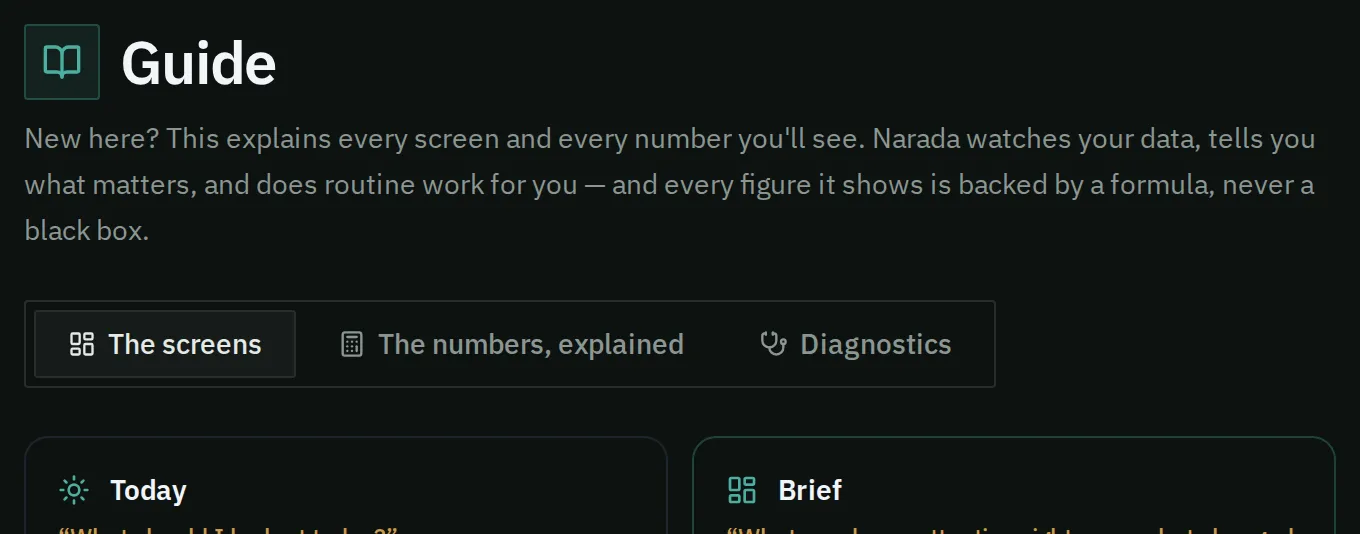
The Guide opens on its tabs, starting with a card for each main screen.
The Guide has three tabs.
- The screens: one card per main screen, with the question it answers. Click a card to open that screen.
- The numbers, explained: one card per number, with its formula and a plain explanation. When you arrive from a page’s How these numbers work button, it shows only that page’s numbers. Press Show all numbers → to see the rest.
- Diagnostics: every check Narada runs each night. Search by name, or filter by kind. Each entry says what the check looks at, its formula and when it fires.
How do I check a number I don’t trust?
Section titled “How do I check a number I don’t trust?”- On the page with the number, press How these numbers work.
- Find the number’s card. Read the formula line, then the explanation.
- For your own values worked out step by step, open the finding or the part’s page. See A finding and A part’s page.
What this page does not do
Section titled “What this page does not do”- It does not cover every screen. This help guide covers the rest.
- It does not show your own values in the formulas. A finding and a part’s page do that.